Top 5 Editing Apps for Influencers

Editing Apps for Influencers

Networking, as we know it, is seldom acknowledged without the applications that help optimize it in today’s digital world. The online space is rife with people shooting their shots with talent exclusive to their skillset. A big chunk of these individuals belongs to the niche of influencers. Being an influencer doesn’t necessarily mean that you’ll find yourself traversing through Instagram all the time, although certainly, the application does hold an important position in providing a robust platform.

Read more

www.XNXUBD 2022 Nvidia drivers: Download, Install & Update

www.XNXUBD 2022 Nvidia drivers

The XNXUBD NVIDIA drivers are widely used to boost the performance of NVIDIA graphics cards, thereby elevating your gaming experience. It is crucial to have these www.XNXUBD 2022 Nvidia drivers installed on your computer to enjoy a graphically intense game.

Read more

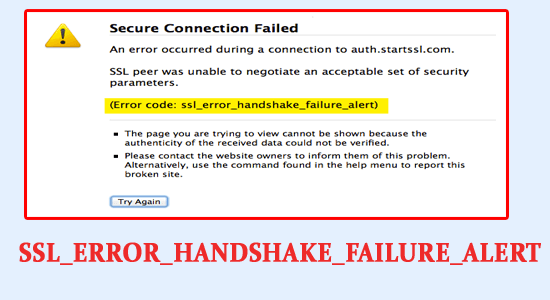
Error Code SSL_ERROR_HANDSHAKE_FAILURE_ALERT: 7 Easy Fixes

SSL_ERROR_HANDSHAKE_FAILURE_ALERT,

Many users reported that they are seeing SSL_ERROR_HANDSHAKE_FAILURE_ALERT error when they visit any website and as a result, the particular web page or website won’t open.

Read more

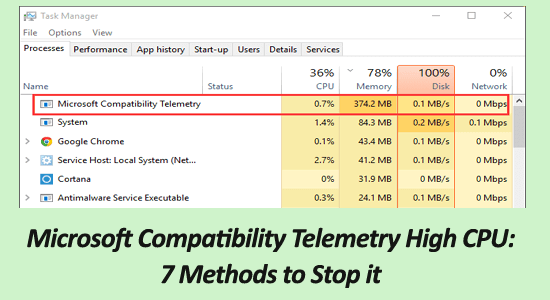
Microsoft Compatibility Telemetry High CPU: 7 Methods to Stop

microsoft compatibility telemetry high cpu

Is your Windows PC running slow and hanging unexpectedly while running and upon checking in the Task Manager seeing the Microsoft Compatibility Telemetry process causes high CPU and result in huge performance issues on your Windows system?

Read more

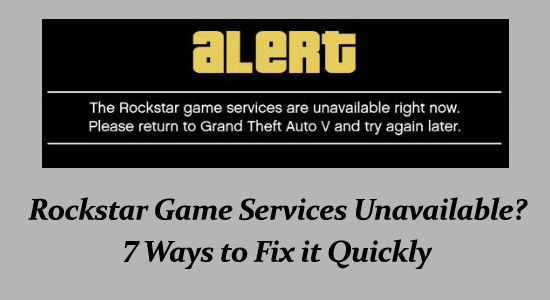
Rockstar Services Unavailable? 7 Ways to Fix it Quickly

Rockstar Game Services Unavailable

Grand Auto Theft V is one of the most popular adventure games released by Rockstar Games in 2013. While playing you might be encountered with various errors.

One such error that occurs mostly due to connectivity issues or firewall problems is “Rockstar Game Services Unavailable Right Now. Please return to Grand Theft Auto V and try again later”.

Read more

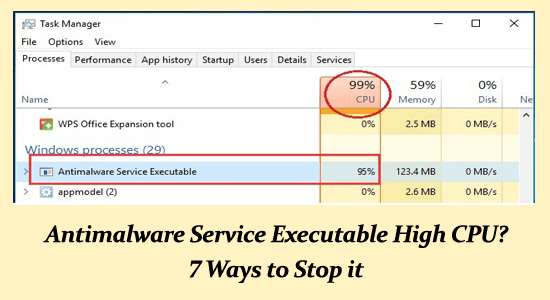
Antimalware Service Executable High CPU? 7 Ways to Stop it

Antimalware Service Executable High CPU

Plenty of the Windows 10 & 11 users found reporting the Antimalware Service Executable high CPU issue.

The Antimalware Service Executable is also called MsMpEng (MsMpEng.exe) process and is used by the Windows Defender to perform its function.

Read more

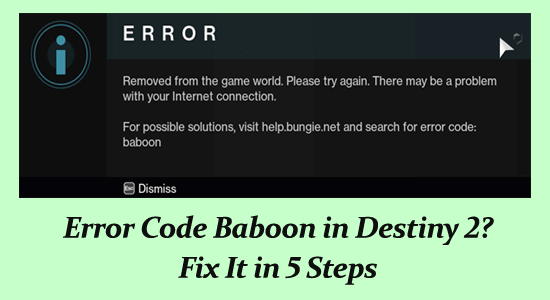
Error Code Baboon in Destiny 2? Fix It in 5 Steps

Error code Baboon

Error code Baboon in Destiny 2 is a common error encountered by gamers. The error occurs due to packet loss or the disconnection between the Bungie server and the internet connection (like ISP saturation or internet congestion).

Despite this, if the network configuration is not set correctly or the internet is slow it can also cause an error code baboon.

Read more

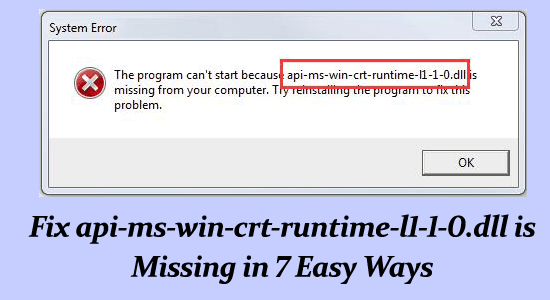
Fix api-ms-win-crt-runtime-l1-1-0.dll is Missing in 7 Easy Ways

api-ms-win-crt-runtime-l1-1-0.dll is missing

Sometimes while trying to open a program or a game on the Windows computer the error message popup The program can’t start because api-ms-win-crt-runtime-l1-1-0.dll is missing from your computer. Try reinstalling the program to fix this problem.

Read more

VyvyManga Not Working? 6 Ways to Fix it Quickly

VyvyManga Not Working

If you enjoy reading, Manga content online for free then might be familiar with the VyvyManga website. It is a well-known website with a large collection of manga titles.

And due to its popularity, millions of people visit the website which sometimes leads to server outages and as a result, VyvyManga not working issue is reported by the users.

Read more

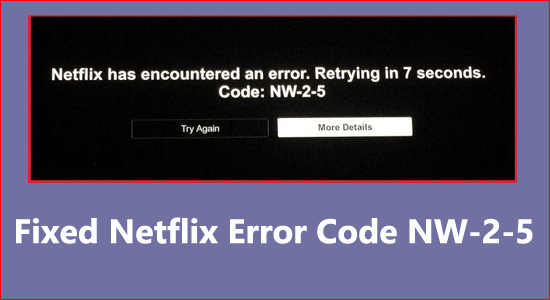
Fixed Netflix Error Code NW-2-5 On Different Devices

Netflix Error Code NW-2-5

Are you unable to watch anything on Netflix and see the error message “Netflix has encountered an error. Retrying in X seconds. Code: NW-2-5”?

This is a generic error that appears on various platforms like gaming consoles, Smart TVs, Windows or different players.

So, if you are the one struggling with the Netflix Error Code NW-2-5, then follow the fixes given one by one to resolve the error on different platforms.

Read more