AMD Ryzen Master Driver Not Installed Properly [6 Tested Solutions]

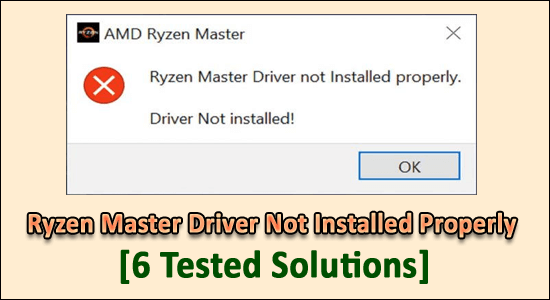
Ryzen Master Driver not installed properly

Ryzen Master Driver is a program that enhances your processor to the full extent and monitors system processes via overclocking of the processor and managing CPU usage. In order to access it, you will need the Ryzen master utility installed. However, that sometimes does not prove feasible.

Commonly, the error message ‘Ryzen Master Driver not installed properly. Driver Not Installed’ is shown while launching its utility, as observed by the gamers while running the high graphics games or other programs.

Rated Excellent on Trustpilot
Free Driver Updater
It is a free solution to all driver-related problems for Windows 11, 10, 8 & 7. And update entire system drivers automatically.

Read more

Solved Taskeng.exe Errors & Issues [8 SOLUTIONS]

Taskeng.exe Errors

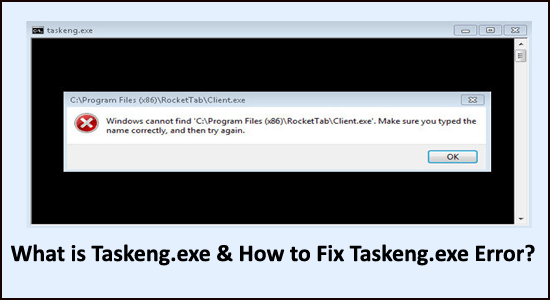
Many users reported they are seeing the taskeng.exe black screen popping up on their Windows system. Whereas some users reported they see the Taskend.exe with a short error message showing that the executable file is not found.

Well, this is quite frustrating as many users won’t know what is this file is, why it is causing problems and how to remove taskeng.exe file?

Nevertheless, we have investigated the file and we are here with the complete information about this executable file and how to fix taskeng.exe errors?

Read more

Fix “Failed to Download File, the File Contents Differ” Minecraft Error

Minecraft Failed to Download File

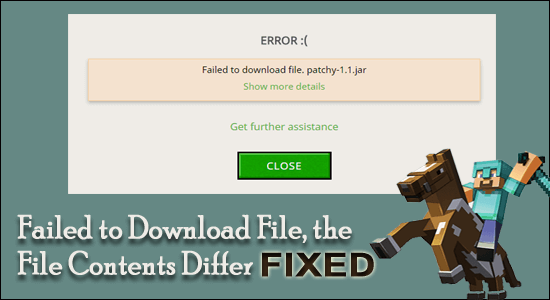
Summary – While launching Minecraft seeing the dreaded error ‘failed to download file, the file contents differ from what was expected.’ is seen by plenty of users. Luckily many users managed to fix the error by removing the mods and replacing the .jar file with the new Jar files. Here find out the best possible fixes to fix this Minecraft error.

Read more

TPM Device Not Detected on Boot Windows 10 & 11 [100% RESOLVED]

TPM Device Not Detected

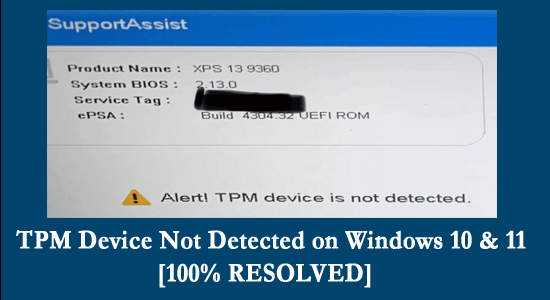
Many users confirmed they are seeing the TPM device not detected on their Windows 10 system in the event log. This is generally seen on the Dell laptop, as per the users when they boot the system they see the error message “Alert! TPM device is not detected”.

Well, this is a bit irritating as some of the users can’t even boot into the system and for some users, the error appears with an unexpected crash even they haven’t installed TPM functionality on their system.

Luckily many users managed to fix the error by opening the device manager on the device and uninstalling the TPM (Trusted Platform Module) driver.

Read more

Fixed: “PCI Device Driver Missing” on Windows 10 & 11

Fixed: "PCI Device Driver Missing" on Windows 10 & 11

Do you face PCI device driver missing on Windows 10/11, and see a small yellow exclamation mark next to PCI drivers under other devices in your Device Manager?

Read more

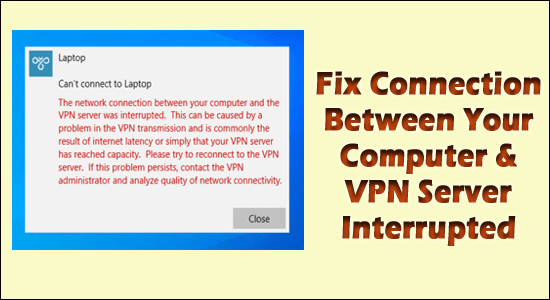
Fix Connection Between Your Computer and the VPN Was Server Interrupted

Connection Between Your Computer & VPN Server Interrupted

If you are using a VPN then you might come across an error message “The network connection between your computer and the VPN server was interrupted” on your Windows 10 or Windows 11 PC.

The error message appears on the desktop when the users try to set up or connect a VPN server on the Windows OS.  Generally, the error appears due to a problem in the VPN transmission because of the lagging or poor internet connection or the VPN server has reached its capacity.

Many users managed to fix “the network connection between your computer and the VPN server was interrupted”, by reconnecting to the VPN server after disabling the firewall.

Read more

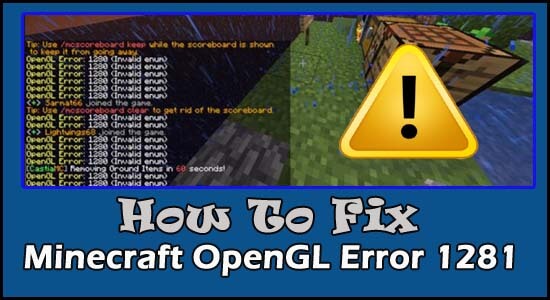
Fix “OpenGL Error 1281” Minecraft in 9 Easy Ways

Minecraft OpenGL error 1281

Many users see the “OpenGL Error 1281” while launching or playing the Minecraft game on their device. This is a common error that generally appears due to the OpenGL debugging settings which is by default turned on in the Minecraft game.

And disabling the settings or Show GL Errors option worked for many users to fix OpenGL Error 1281 (Invalid value) in Minecraft.

Read more

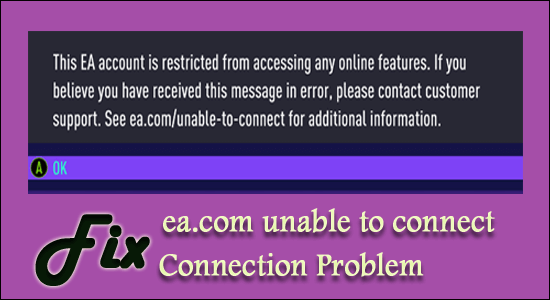
Fix “ea.com unable to connect” Connection Problem

ea.com unable to connect

Many users reported they see the “ea.com unable to connect” error when trying to launch or play certain EA games.

This connection timed out error is usually seen whenever a new game is launched (seen with Apex legends) or due to some sort of network connections issues or the servers gets overloaded and stop responding.

The EA and Origin are commonly known for the issues with the servers or some connections problems, but luckily many gamers managed to fix there was problem connecting to EA servers while trying to run certain games problem.

So, here in this article, I am here with the possible solutions that worked for several affected users to solve the problem.

Read more

FIXED: Windows 10 Update Error 0xc1900104

Windows 10 Update Error 0xc1900104

You may see the Error 0xc1900104 while installing the Windows 10 feature update. The error simply means that the update process gets stuck or won’t complete within the required time (MOSETUP_E_PROCESS_TIMEOUT).

Read more

7 Fixes For Steam Was Unable To Sync Your Files

7 Fixes For Steam Was Unable To Sync Your Files

Many users reported they see the Steam was unable to sync your files error while launching the game. As per the users, the Steam game won’t launch properly and they see the error message on their screen.

The error message states that Steam can’t sync the local files to the Steam cloud and generally appears when something went wrong with the network that needed to address.

This might be as the Steam server is down or become inaccessible.

Today in this article, I am going to share some best fixes to resolve Steam Was Unable To Sync Your Files files. But before that learn the possible causes of the Steam file Sync problem.

Read more