11 Proven Ways to Fix “Sims 4 Sim Won’t Sleep”

Sims 4 Sim won't sleep

Summary – Dealing with Sims 4 Sim won’t sleep problem and the energy level of the Sims goes down from green to orange and then turn to red. Wondering why won’t my sim sleep, then read the article to find out how to solve the Sims 4: sim won’t sleep problem.

Sim won’t sleep is a common problem reported by nearly tons of Sims 4 gamers.  This is one of the most irritating problems as nothing is working to fall asleep.

Read more

Ucrtbase.dll Error on Windows [10 Proven Fixes]

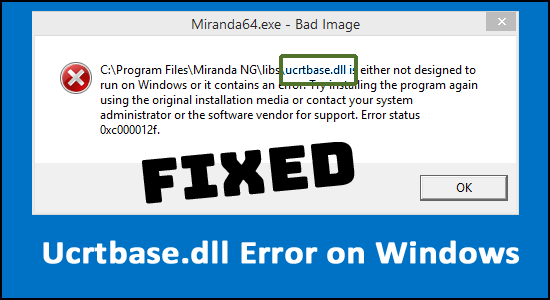
ucrtbase.dll error

Many Windows users complain about the ucrtbase.dll error while running some particular applications or playing games. The error appears with a short error message “The code execution cannot proceed because c:\windows\system32\ucrtbase.dll was not found” stating that the file is missing or not found.

Read more

Fixed Windows 11 update stuck at 61% [9 PROVEN WAYS]

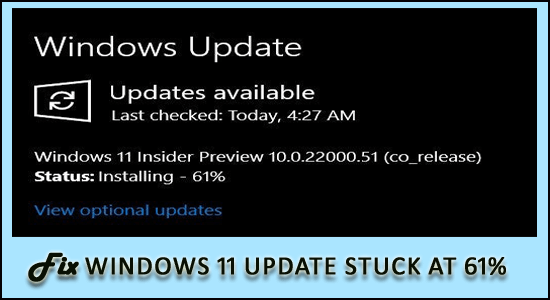
Windows 11 update stuck at 61%

Did you stumble upon Windows 11 update stuck at 61% error while upgrading your Windows 10 system to the latest Windows 11 version, then keep reading the article to find out how to fix the error and upgrade to the latest version with ease.

Windows 11 OS has improved the user experience and added a slew of powerful new capabilities and therefore everyone is upgrading to Windows 11 using the Windows Update feature.

But many users reported they start seeing the Windows 11 installer gets stuck at 61% error. Well, the reason why the update gets stuck is your PC won’t meet the hardware requirements.

Read more

Microsoft Started Testing Android Apps on Windows 11

Windows 11 android apps

Microsoft’s Windows is the most widely used computer operating system globally, accounting for 71.06% of the operating system market for desktops, tablets, and consoles in September 2021, according to the Statista website.

Read more

Fix PS4 NAT Type Failed Error 9 Quick & Easy Ways [2023 GUIDE]

PS4 NAT Type Failed

Wondering how to fix PS4 NAT Type Failed error, then very first check your internet connection as the problem is commonly faced by the PS4 users due to poor internet connection or due to the incorrect network settings in the PS4.

As per the gamers they are facing difficulty in chatting online with other users and are unable to hear other gamers in chat.

And as a result, the error message PS4 NAT Type Failed to appear on their screen.

Well if your internet connection is working fine but still dealing with the PS4 NAT type failed error, then try other best possible fixes listed in this tutorial.

Read more

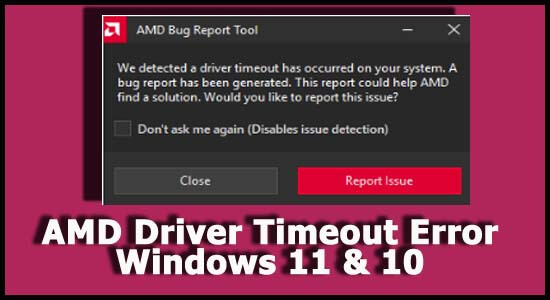
AMD Driver Timeout Error Windows 11 & 10 [FIXED BY EXPERTS]

AMD Driver Timeout Error Windows 11 & 10

Many Windows 11 and 10 users using the AMD graphics cards reported “We detected a driver timeout has occurred on your system” while playing the games and even sometimes using the computer normally.

Read more

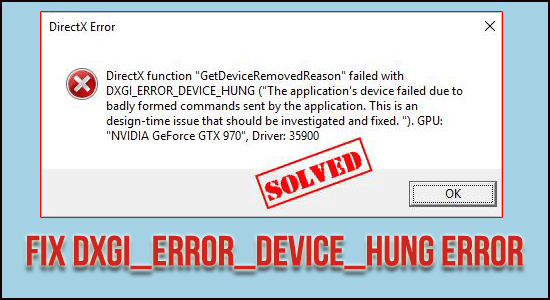
9 Effective Ways to Fix DXGI_ERROR_DEVICE_HUNG Error

DXGI_ERROR_DEVICE_HUNG Error

Many Windows users are getting the DXGI_ERROR_DEVICE_HUNG DirectX error commonly while launching certain games on their PC.

As per the users, the game crashes and after restarting the game, the error again appears. So, if you are also witnessing dxgi_error_device_hung, error code 0x887A0006 then there is a good chance of the DirectX component malfunctioning, concerning its version or even GPU-related issues.

Read more

10 Proven Ways to Fix PS4 CE-34878-0 Error

PS4 CE-34878-0 Error

Recently PS4 users are reporting for error CE-34878-0 followed by the error message: An error has occurred in the following application (CE-34878-0). Users are facing this error message frequently whenever they try to launch certain games and are unable to play them. Well, updating PS4 firmware, disabling Mods, and rebuilding the console database are some workable fixes that you can use to resolve the error issue.

Read more