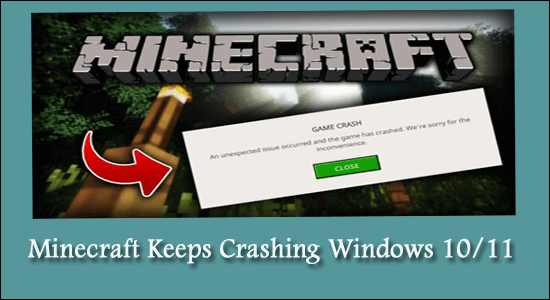
How to Fix Minecraft Keeps Crashing Windows 10/11? [UPDATED GUIDE]

Minecraft Keeps Crashing

Minecraft is one of the most anticipated games among gamers. But many users reported the unbearable Minecraft keeps crashing on their Windows PC and they are unable to play the game at all.

This is a common problem and just like other games, Minecraft is also not free from bugs, and glitches like Minecraft won’t Launch. So here in this article, we have shortlisted the possible solutions that worked for many affected gamers to solve the crash issue in Minecraft.

Read more

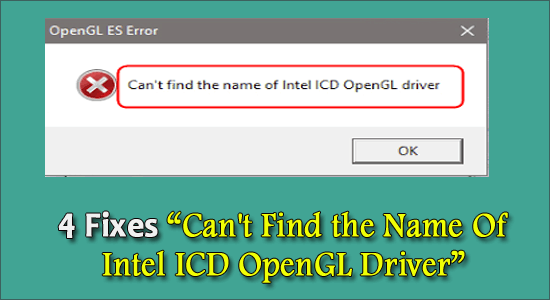
4 Fixes “Can’t Find the Name Of Intel ICD OpenGL Driver”

Can't Find the Name Of Intel ICD OpenGL Driver

If you are using Windows and you see this error saying “Can’t find the name of Intel ICD OpenGL driver”, you are not alone. Many Windows users report this. But the good news is that you can easily fix it yourself with this guide.

When you open applications such as Google Chrome, NVIDIA GeForce Experience, Gephi, OSU, Origin, and Tunelite, an Open ES Error appear saying can’t find the name of Intel ICD OpenGL driver.

Read more

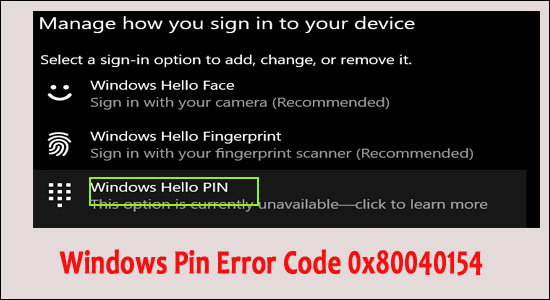
6 Quick Fixes to Solve Windows Pin Error Code 0x80040154

Windows Pin Error Code 0x80040154

Summary – Many users reported “error code 0x80040154” while setting up a PIN for Windows Hello and commonly occurs due to corrupted NGC folder files. So, in this article find out how to fix Windows Pin Error Code 0x80040154 on Windows 11/10.

Read more

LOOT Not Detecting Skyrim SE and Skyrim [6 Quick Fixes]

Loot Not Detecting Skyrim

Several players have unendingly complained regarding LOOT not detecting Skyrim SE and Skyrim. Generally, when the app gets launched, the LOOT plugin does not crash immediately.

Instead, LOOT searches the game for a while before showing the error on the screen:

Oh no, something went wrong! You can check your LOOTDebugLog.txt (you can get to it through the main menu) for more information.

Read more

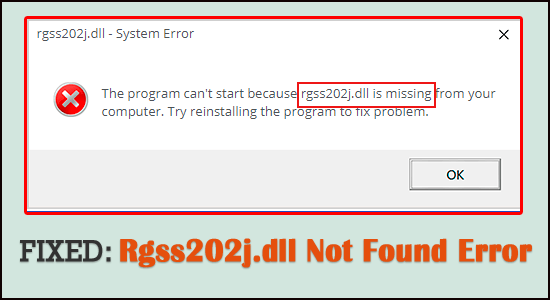
5 Tricks to Fix Rgss202j.dll Not Found Error

Rgss202j.dll Not Found

Rgss202j.dll not found error is reported by many Windows 10 users. As per the users, the error appears while trying to run the Rgss202j.dll related application and the app fails to launch or perform any work.

And every time they try to run the application the error message appears on the screen:

The program can’t start because rgss202j.dll is missing from your computer. Try reinstalling the program to fix the problem.

After investigating, we find out that there are many different reasons due to which the rgss202j.dll file gets missing or not found. So here in this article, we have covered the entire information related to the error.

Read more

13 Quick Tricks to Fix Battlefront 2 Won’t Launch

Battlefront 2 Won't Launch

Summary – Many gamers reported they are unable to play the Star Wars Battlefront 2 as it is not launching on Windows 10 PC. Since its launch many reports are recorded about Battlefront 2 won’t launch problem. So, here in this article, we have listed the best possible solution to fix the error.

Star Wars Battlefront 2 is an incredible action-adventure game and an absolute delight for the Star Wars franchise fans. It can be accessed through Steam and Origin and is supported on Windows PC, PlayStation 4, and Xbox One.

Read more

FIXED: Avast loading this Shouldn’t Take Long Error

Avast loading this Shouldn’t Take Long Error

Summary – Seeing the error message “Avast loading this shouldn’t take long” on your computer screen while running the Avast antivirus software then follow the solutions given here. Also, get to know the reasons responsible for the Avast stuck on loading screen problem.

Read more