7 Common Avast SecureLine VPN Problems & Its Fixes

Avast SecureLine VPN problems

The Avast VPN or SecureLine VPN is one of the most secure subscription-based Virtual Private Network available for the Windows, Mac, Android, and iOS operating system.

Just like Antivirus software, Avast SecureLine VPN offers invincible privacy and security with good speed and accessibility.

And this is the reason the Avast SecureLine VPN is one of the most popular and highly used VPN services. But, despite its popularity, many users confirmed they are encountering the Avast VPN Problems such as SecureLine VPN connection failed error.

Many times the Avast SecureLine VPN connection fails and stopped working, gets disconnected, or shows Avast SecureLine VPN no internet connection and many others.

So here in this article, I am categorizing different Avast SecureLine VPN not working errors on Windows with the complete possible solutions to fix them one by one and start using the Avast SecureLine VPN on Windows 10 with ease.

Read more

Fix Jade Empire Failed to find Steam Error [6 Tested Fixes]

Jade Empire failed to find Steam

Unable to play Jade Empire as getting the “failed to find Steam” error on Windows system then running Steam with Administrative privilege or placing steam.dll file in the Jade Empire’s folder may work for you.

Despite this, there are many other working solutions, so here I had listed the possible solutions that worked for many users to solve Jade Empire Failed to Find Steam Error.

Well, Jade Empire is an action role-playing game released for Xbox console. And was later ported to Windows PC in 2007.

But recently many Windows players reported they encountered the “failed to find Steam” error after downloading the game from Steam and trying to play the game.

So, try the solutions given to fix Jade Empire failed to find Steam error. But first, learn the possible causes of the problem

Read more

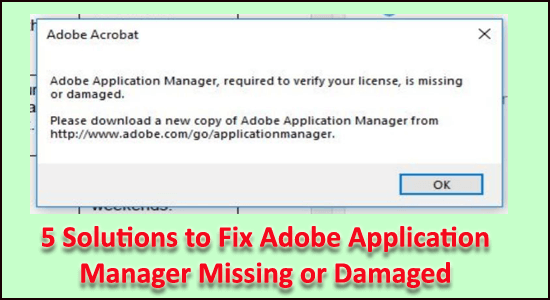
5 Solutions to Fix Adobe Application Manager Missing or Damaged

adobe application manager is missing or damaged

How to Fix Adobe application manager missing or damaged? Is this what you are searching for? Then rest assured as you landed at the right place.

Today in this article, I am here with the expert solutions that work for many affected users to fix Adobe Application Manager is missing or damaged problem on Windows 10.

Well, the Adobe Application Manager is the creative application suites and all you to manage the entire Adobe applications installed on the system.

So, when any users get the Adobe application manager is missing or damaged error, then this needed to be fixed ASAP.

Read more

Fix Discord Music Bot Lagging/Stuttering/Glitchy/Distorted Issues

Discord music bot lagging

Wondering why the Discord music bot lagging/glitchy/distorted, then rest assured as you are not alone. Many Discord users reported Groovy’s audio to disappear for a few seconds or lag.

Well, as per the bot developers, the issue is mainly related to the Discord voice server region, and the best trick to fix discord music bot lagging issue is to switch your voice server region to different and again switch it back.

And this will simply assign you to a new server in that region. However, if this trick won’t work for you then luckily there are other fixes as well.

Today in this article I will share the best possible solutions to fix Discord music bot lagging/stutter/distorted issue.

Read more

How to Fix Twitch Error 3000? [100% Resolved]

twitch browser error 3000

Searching the web how to fix Twitch error 3000, well, then your quest ends here. As we managed to fix 3000 Media resource decoding errors permanently.

Twitch is a highly popular streaming platform worldwide and is used by loads of users every day. But from time to time various errors and bugs are reported by the users.

In one of our recent blogs, we managed to fix can’t find games on Twitch problem, and today in this article we are here with Twitch error code 3000.

Read more

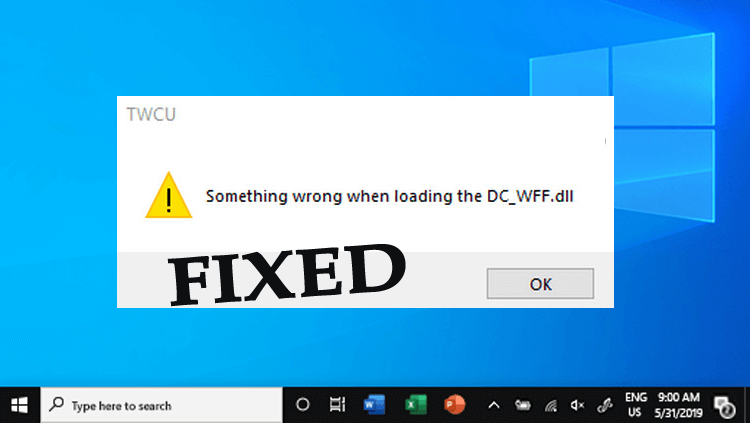
Something Wrong When Loading the DC-WFF.DLL [5 EASY FIXES]

Something wrong when loading the dc_wff.dll

Did you just stumble upon the “Something wrong when loading the dc_wff.dll” error during the Windows 10 startup?

Well, this is a common error encountered by the users who upgraded their Windows 7, 8, or 8.1 system to Windows 10.

Moreover, the DC_WFF.dll is a part of the TWCU (TP-LINK Wireless Configuration Utility), and if it gets corrupted or missing this starts showing the DC_WFF.dll missing or not found an error.

Some users also reported they get the “Something wrong when loading the dc_wff.dll” error on booting and every restart of the system commonly after installing the Windows updates.

Well the module “dc_wff.dll” failed to load is a bit irritating error, but luckily there are a couple of ways that work for you to fix the error.

Read more

How to Fix Couldn’t Load XPCOM on Firefox? [7 Easy Tricks]

Couldn’t Load XPCOM on Firefox

Couldn’t load XPCOM is a common error experienced by the users when opening Firefox on a Windows computer.

Many users reported, “I can’t open Firefox, it says couldn’t load XPCOM.” and looking for solutions to fix it on their Windows system.

Well, the Firefox XPCOM error is generally caused by the Windows updates, and there is a possibility that after installing the update the Firefox profile folder gets corrupted and causes the error.

Many users managed to fix the error, after upgrading Firefox to the latest version and creating a new Firefox profile. (Follow detailed steps below)

Read more

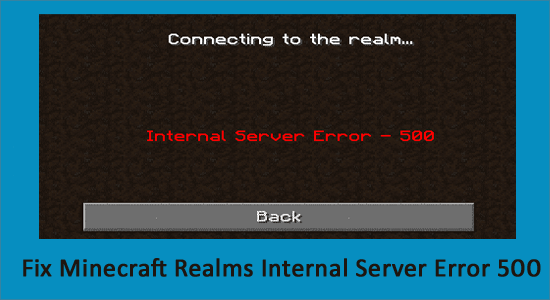
Fix Minecraft Realms Internal Server Error 500 [100% Resolved]

Minecraft Realms Internal Server Error 500

Troubled with the Minecraft Realms Internal Server Error 500, wondering what this error is or why you are getting the Minecraft realms error 500?

Rest assured as you are not alone this is a common error that plenty of Minecraft players encountered when logging into the Realm.

Well, our experts had tried many solutions that worked for many users to fix Minecraft Realms Error 500.

And if you are also dealing with the error then you are at the right place. Here in this article find out the solutions that worked for many affected users to fix can’t connect to Minecraft Realms due to internal server error 500.

Read more

Can’t Find Games on Twitch? [FIXED NOW]

Can’t Find Games on Twitch

Can’t find games on Twitch? It is a common problem that many Twitch players encountered and wondering where are my games in Twitch?

Well, if you are the one who also encountered the same issue then rest assured as you are at the right place.

In this article, learn what to do when Twitch app won’t find games, but before directly jumping one the fixes let’s have a look at possible reasons why Twitch Games not showing up on Windows and other devices.

Read more