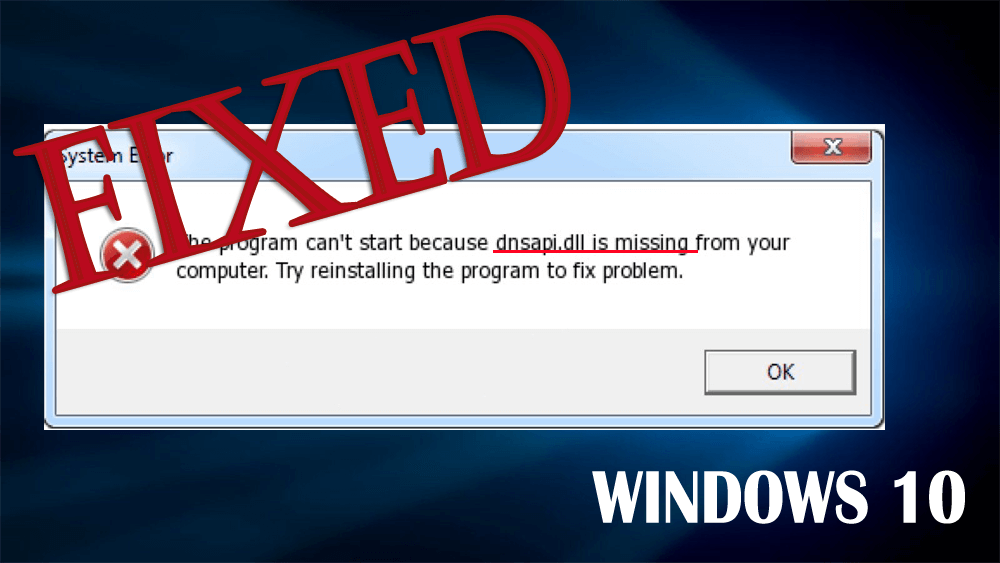
The DNSAPI.dll file is used by the Windows “DNS Client” API. The main task of this important dll file is to help the route Internet traffic to the correct addresses, and this file is used every time when you browse the Internet.
It also stores instructions and information for the executable files. This dnsapi file was created to share multiple programs and make your system run efficiently.
Although this file is in the hidden state on most systems, once this dll file gets inaccessible or when your computer is unable to access the vital settings that are inside it then it will generate a large number of issues.

Hardeep has always been a Windows lover ever since she got her hands on her first Windows XP PC. She has always been enthusiastic about technological stuff, especially Artificial Intelligence (AI) computing. Before joining PC Error Fix, she worked as a freelancer and worked on numerous technical projects.
 Some Steam games are not compatible with the Windows 10, and so that users may face error messages when they try to play these incompatible games on Windows 10.
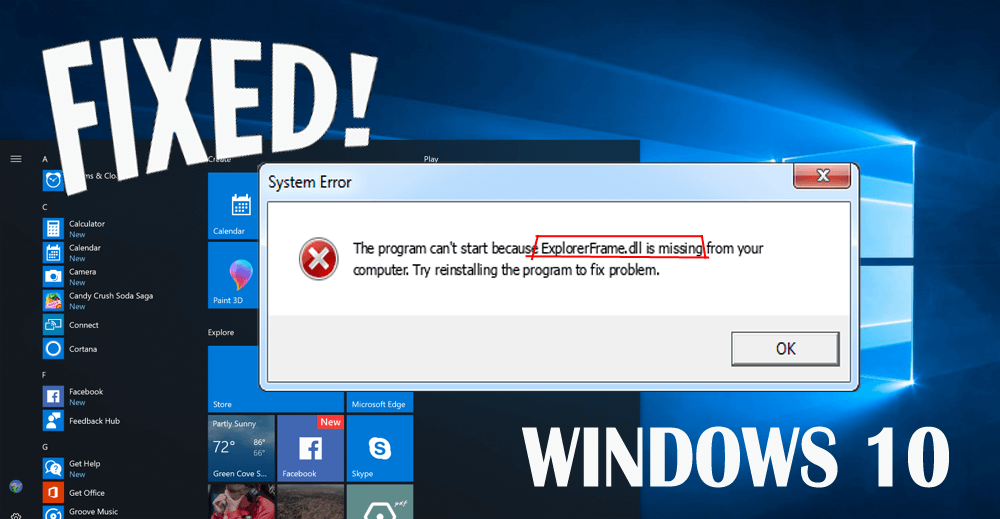
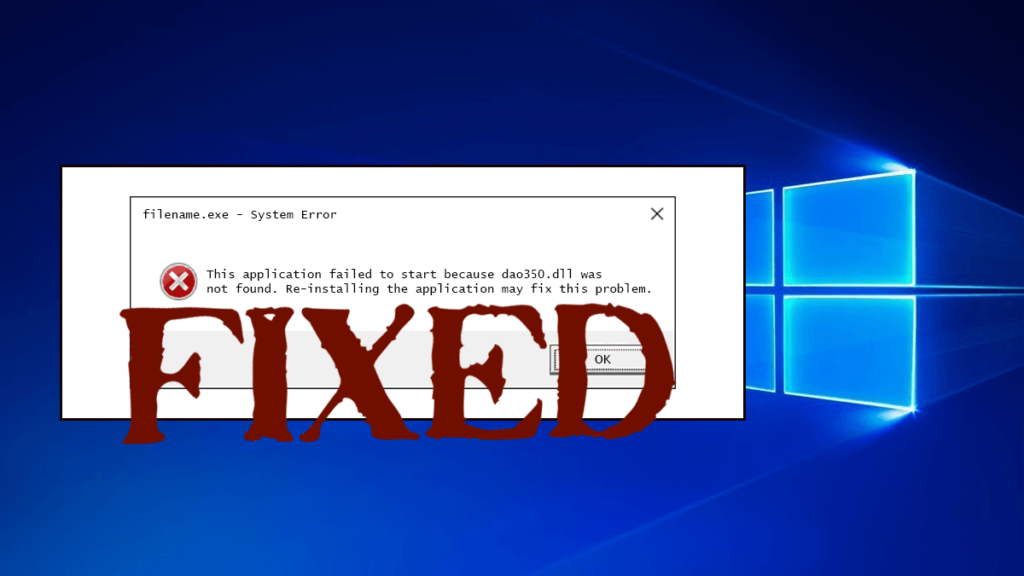
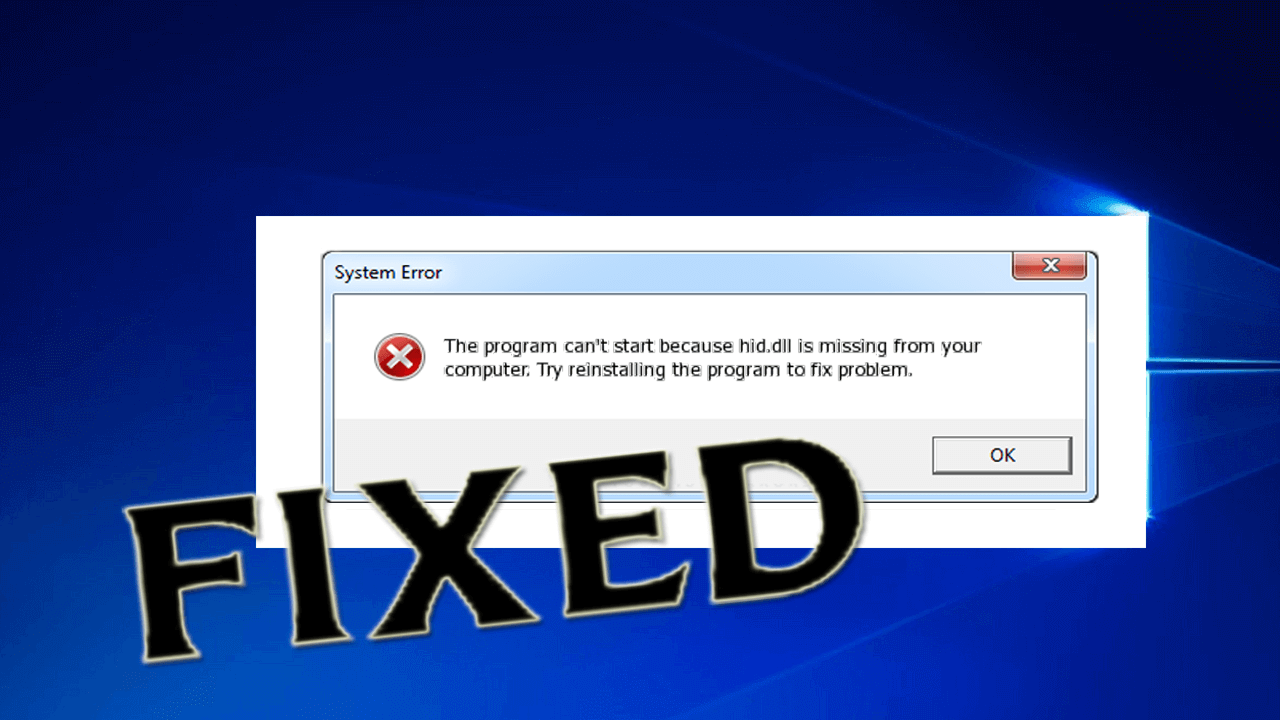

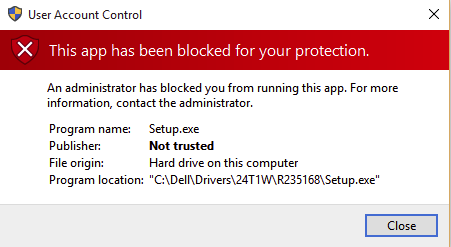 In our earlier blog we discussed about how to deal with ‘Open With’ Menu Missing In Windows 10, but now Windows 10 users are suffering from another situation in which a Error Pops up whenever they try to install a new Program or apps on their Windows 10 Computer/laptop. This issue still appears when try to run the.exe file as Administrator.