[Solved] Superhot Errors: Crash, Lag, Stutter, Black Screen and More

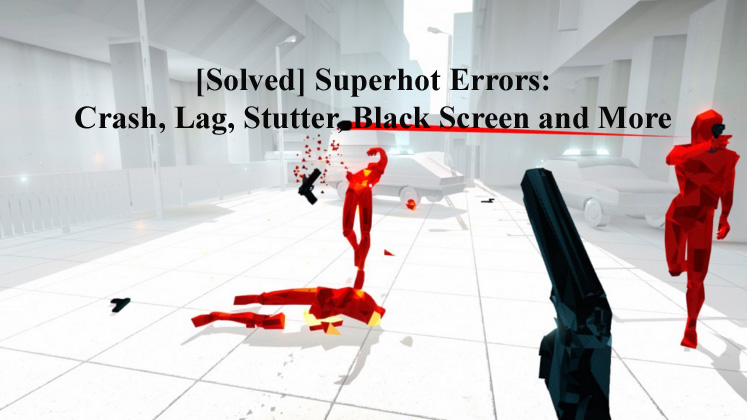
Superhot ErrorsSuperhot is one of the famous games that take up an existing type and aspires to get something different from that. This indie FPS title works in a new way that provides more time for the players to review their situation and make a decision on their next move based upon that.
But there are many users that reported different types of issues in Superhot, if you are among them that are facing issues while playing this wonderful game then don’t worry because you are at the right place.

This blog contains the complete solution over different issues such as Superhot Errors, Crash, Lag, Stutter, Black Screen and more.

Read more

[FIXED] Windows Cannot Find wuapp.exe Error in Windows 10

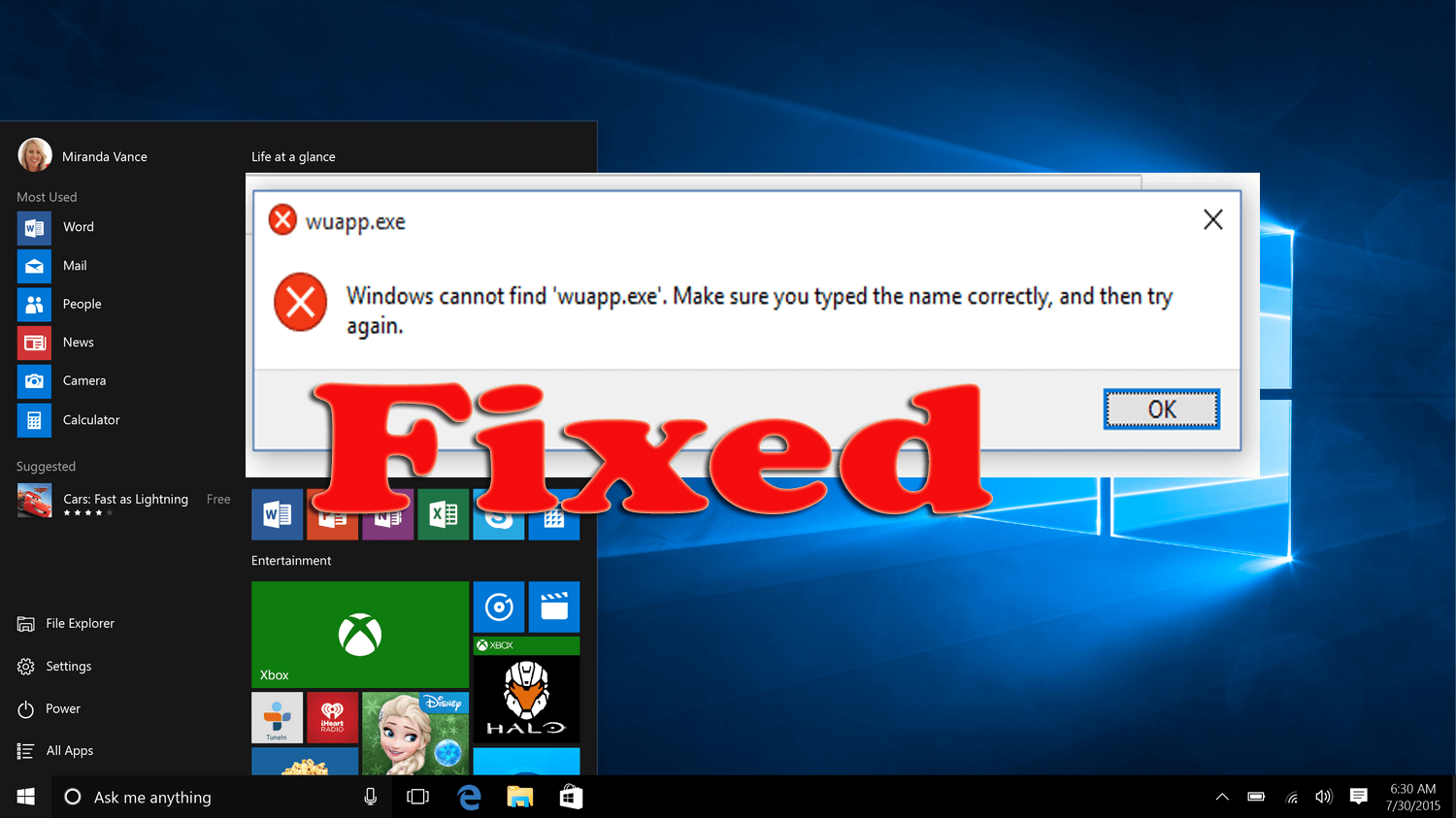
Windows cannot find wuapp.exe

Are you receiving “Windows cannot find wuapp.exe” error message when trying to run Windows update or install programs or while executing any program?

If Yes, then don’t worry in this article I’ll guide you to troubleshoot Windows cannot find wuapp.exe error or Wuapp.exe is missing error. 

This type of error appears when the wuapp.exe file gets missing or corrupt, once this happens then Windows fails to load the program and generates Windows cannot find wuapp.exe file and not able to access the specific program error.

Read more

How to Fix Drives Appearing Twice in Navigation Pane of Windows 10 Explorer

drives appearing twice in navigation pane

In my earlier articles, I discussed various PC errors that interrupt the users from time to time. But today in this article I am going to describe an unusual Windows 10 problem.

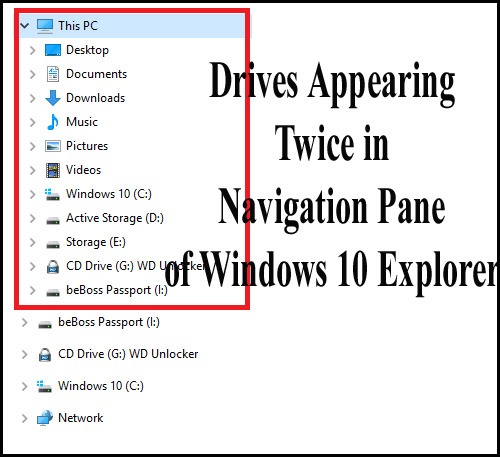
Well, this is a bit unusual but numbers of users are found reporting about the error – drives appearing twice in the navigation pane of Windows Explorer.

This is commonly faced by the users when they upgraded their system from Windows 10 RTM to the newly released November Update (TH2) or after upgrading from Windows 10 RTM to any Insider Preview build.

After a build upgrade and some cumulative updates, drives are appearing twice in the navigation pane (the left folder pane) of File Explorer.

Read more

[SOLVED] How to Fix csc.exe Errors in Windows 10?

fix csc.exe errors

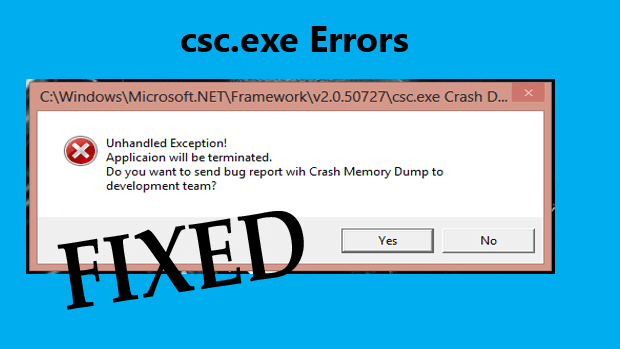
If you are getting the csc.exe error and looking on how to fix csc.exe error, then this article is for you. Here you get the complete information about the csc.exe error and the possible fixes to get rid of the csc.exe error in Windows 10.

The csc.exe error in Windows is very irritating and when it appears the system shutdown unexpectedly.

But the good news is, the error can be fixed, so follow the solutions given below to fix the error completely and start using the system with ease.

Read more

How to Fix Windows 10 Virtual Memory Too Low Issue [UPDATED]

Are you running Windows 10 operating system and during using the heavy programs like the game, AutoCAD, or Visual Studio it is running out of memory. Well, this is very irritating, and in this learn how to fix the low virtual memory Windows 10 issue, by making some changes in the settings.

Read more

[Fix] Unable to install Antivirus Application in Windows 10

unable to install antivirus in windows 10

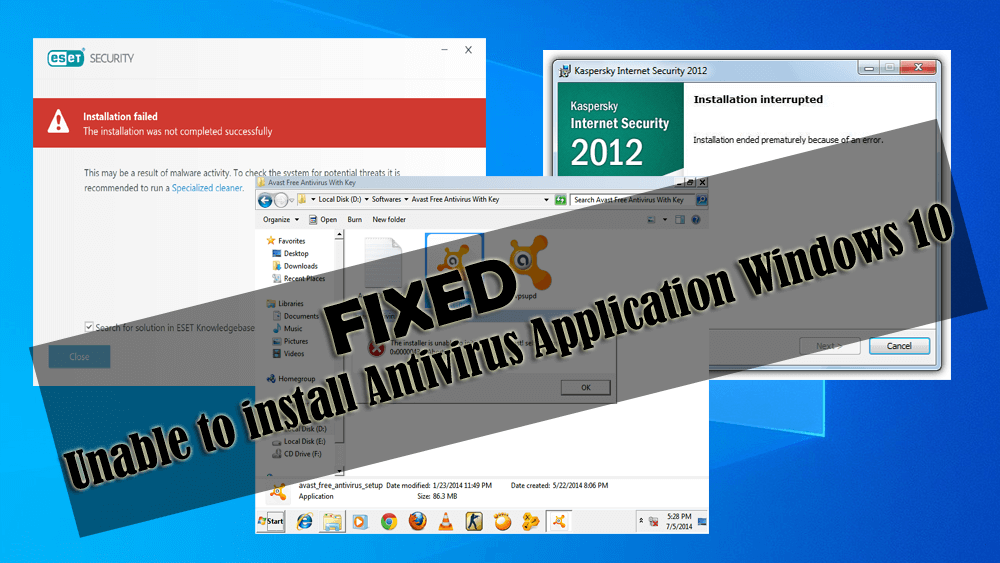
Antivirus software in Windows is really helpful in protecting your system from any virus or malicious program. This antivirus not only protects your PC but also keeps personal data safe in case your operating system gets infected.

Therefore, it is suggested to install a strong antivirus program in your Windows operating system and keep them update. But here comes the problem, many Windows 10 users are unable to install antivirus in Windows 10.

Read more

[FIXED] Hearthstone Errors – Lockups, Crashing, Stuttering, Lagging & More

Hearthstone game errors

Hearthstone is a popular online digital card game developed and published by Blizzard Entertainment. This game can be downloaded for free and available for various platforms like Microsoft Windows, macOS, iOS, and Android platforms.

Well, this is a solid performing game but still, gamers are reporting issues like Hearthstone stuttering, lagging, freezing, FPS lag, connection issue and lots more.

This is very irritating as the gamers are not able to play the game, but luckily there are fixes that work for you to fix Hearthstone bugs and issues.

Read more