Fix Ark: Survival Evolved Crashing, Appcrash, Fatal Errors & More

Fix Ark: Survival Evolved Crashing

Ark: Survival Evolved is a game in which you need to survive in a world filled with roaming dinosaurs. Unlike other games, this is also not free from various bugs and errors.

Players are found reporting various bugs and errors with the game like Ark: Survival Evolved crashing, Loading Screen Issue, low-level fatal error bad name index, Low FPS Issues and many others.

Read more

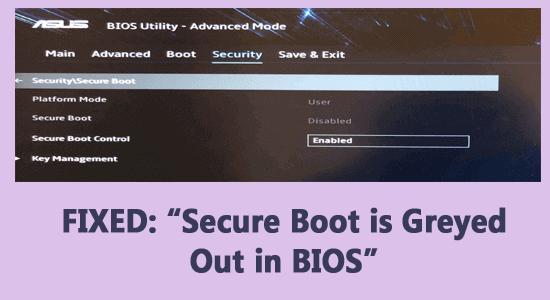
5 FIXES “Secure Boot is Greyed Out in BIOS” Windows

Secure Boot is Greyed Out in BIOS

Many Windows users reported the “Secure Boot greyed out in BIOS” and they are unable to change it, so if you are also the one struggling with the same problem then you are at the right place.

Read more

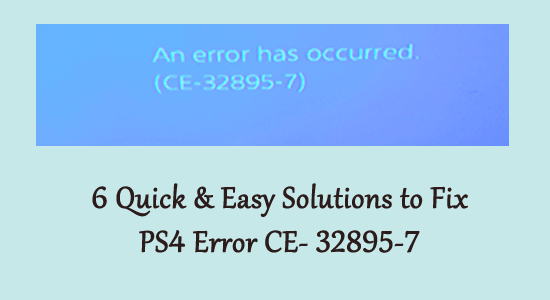
6 Easy & Quick Solutions to Fix PS4 Error CE- 32895-7

ps4 error ce-32895-7

How do I fix error CE-32895-7? Is this what you are looking for? Then you are at the right place as today in this article I am sharing the workable solutions to fix PS4 error CE-32895-7.

Well, the PS4 error CE-32895-7 means that the PlayStation 4 won’t have a RootCA certificate and this causes issues with the server certificate. The error generally appears while installing the firmware update or connecting to the WIFI connection.

Read more

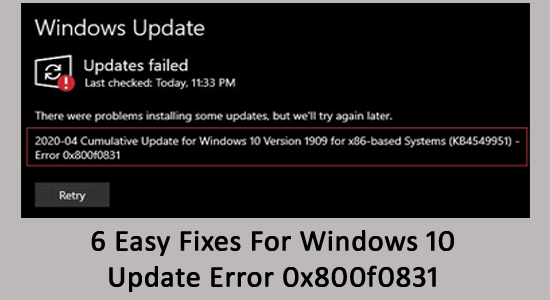
6 Easy Fixes For Windows 10 Update Error 0x800f0831

Windows Update Error 0x800f0831

Are you unable to download any available update in Windows 10 as seeing the 0x800f0831 error or the installation process is terminated with the error code 0x800f0831?

Then don’t get PANIC; in this article, I will describe how to fix Windows Update Error Code 0x800f0831.

Read more

Fix Fall Guys Freezing or Crashing on PC Problem

Fall Guys Freezing or Crashing

Fall Guys is a newly released free-to-play game but just like other newly released games, this is also having a series of bugs and glitches. One such irritating problem reported by countless gamers is Fall Guys crashing and freezing randomly.

Read more

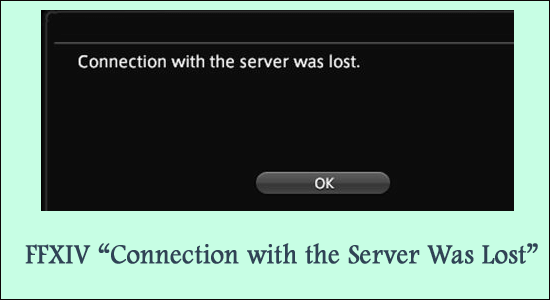
Fixed: FFXIV “Connection with the Server Was Lost”

solve FFXIV connection with the server was lost

Many Final Fantasy XIV players reported they are seeing an error message FFXIV connection with the server was lost during the gameplay or sometimes while launching the game. Well, this is the bare minimum occurrence gamers complain about seeing the code appearing related to connection lost problem.

As the error message state, it generally occurs due to the FFXIV server outage problem or possibly if the internet connection is slow or not working properly.

Read more

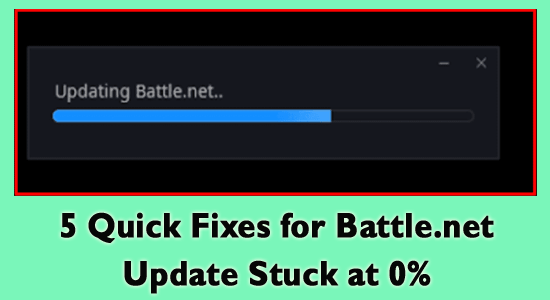
5 Quick Fixes for Battle.net Update Stuck at 0%

Battle.net Update Stuck at 0%

Battle.net Update stuck at 0% while updating any game or the app itself is a common problem reported by countless gamers.

Even though the Battle.net application is known for having reliable servers and blasting fast download speeds, now and again updates get stuck and clients don’t have any idea what to do.

Read more

6 Quick Fixes For “Vizio SmartCast not Working”

vizio smartcast not working

If you find your “Vizio smartcast not working” then this might be caused due to software glitches or the settings of your network.

The problem is reported to occur due to many different problems with the Vizio SmartCast TV or Vizio TVproblems and may hinder the operations.

Read more

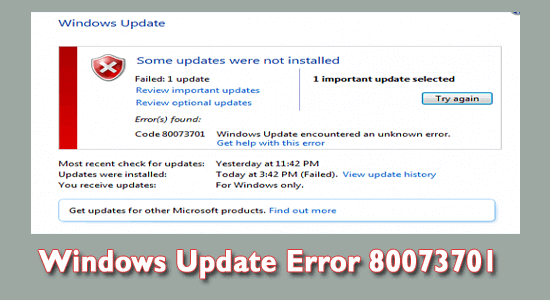
[Resolved] How to Fix Windows Update Error 80073701?

Windows Update Error 80073701

Are you unable to update your Windows 10 or any earlier Windows system and seeing the update error 0x80073701 while trying to update your Windows computer or laptop?

If YES then don’t worry as you can easily deal with this error code 80073701 by following the fixes listed in the article. This error code is very irritating as it appears every time when the user tries to update their computer.

Read more

9 Fixes for Discord Not Connecting Problem Quickly

Discord Not Connecting

Discord not connecting or being stuck on connecting screen after launching the application is a common problem reported by various users. As per the users, the Discord loading screen gets stuck for an indefinite connecting loop and the application won’t open.

Well, the problem is generally occurring when Discord is unable to establish a connection with the server or your internet connection is slow or unstable.

Read more