How to Solve Windows 10 System Restore Error 0x80070091?

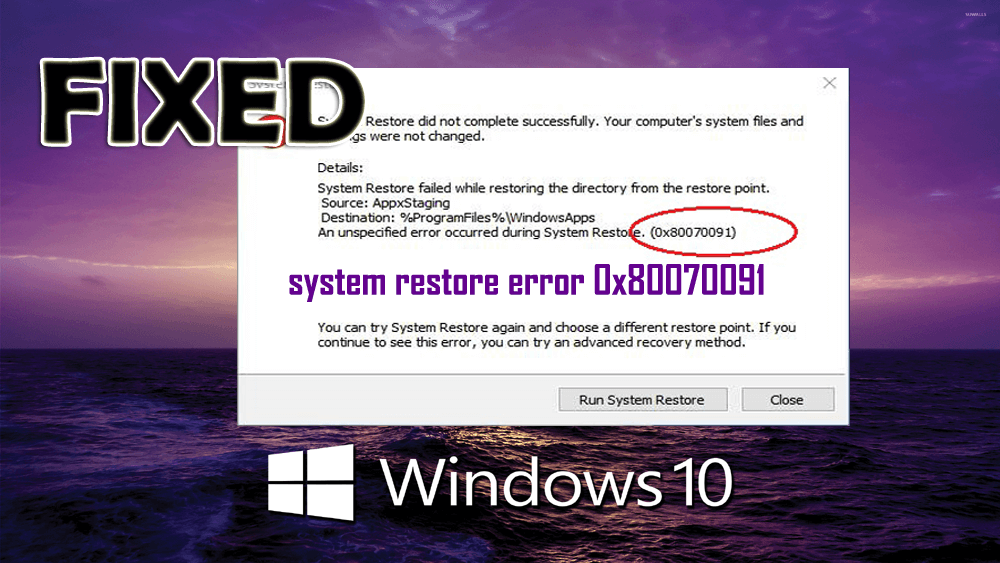
system restore error 0x80070091

System restore is a useful feature in Windows 10 that helps users to recover lost data. But what if you are unable to restore your data because your Windows 10 is showing your System Restore Error 0x80070091, then don’t worry.

You are not only that are suffering from this kind of error message, as there are many Windows 10 users that are reported about this error message over different forum’s threads.

This error is very irritating and annoying, as it appears while the system restoring process and pop-up as Error 0x80070091. Whenever you will try to restore your system you will encounter the below error message.

Read more

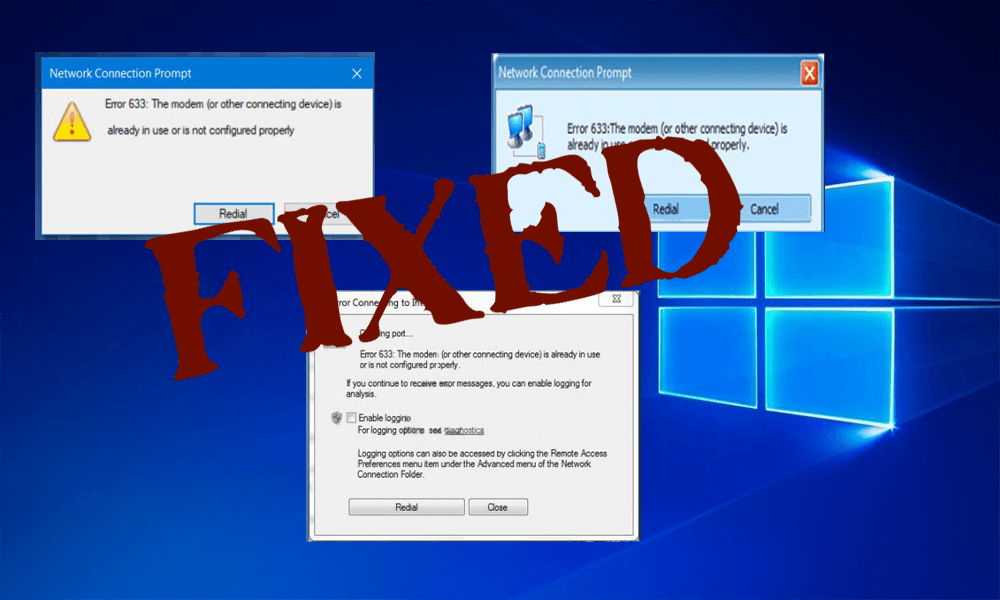
[Solved] Modem Error 633 after Windows 10 Creators Update

Discovered internet connection issues, with the modem error 633, after upgrading to Windows 10 creators update. Then rest assured, you are not alone.

The error 633 specifies that the modem is not configured properly and as a result block your internet connection. Well, this is irritating so keep reading the article to know how to fix Modem error 633.

Updating to Windows 10 Creators update is a very easy process, but many users also face different types of errors like Microsoft Edge Browser Unresponsive, Directx Error after Updating to Creators update, Wi-Fi Issues and more.

And one such error is Modem error 633, and this occurs when another software program has reserved the communication (COM) port used by the modem, or if the multiple Internet connections have been set up.

In this blog, learn how to fix “Error 633: The modem is already in use or not configured properly”, but first have a quick glance at the causes responsible for the error 633.

Read more

[Fixed] Resident Evil 7 Biohazard Game Crashes, Errors & More!

Resident Evil 7 Biohazard is now available to give you a truly horrifying gaming experience.

According to gamers, they are enjoying every second of this game but there are also some negative comments published by a lot of gamers that are related to game errors, performance and more.

Read more

How to Fix Directx Error After Windows 10 Creators Update?

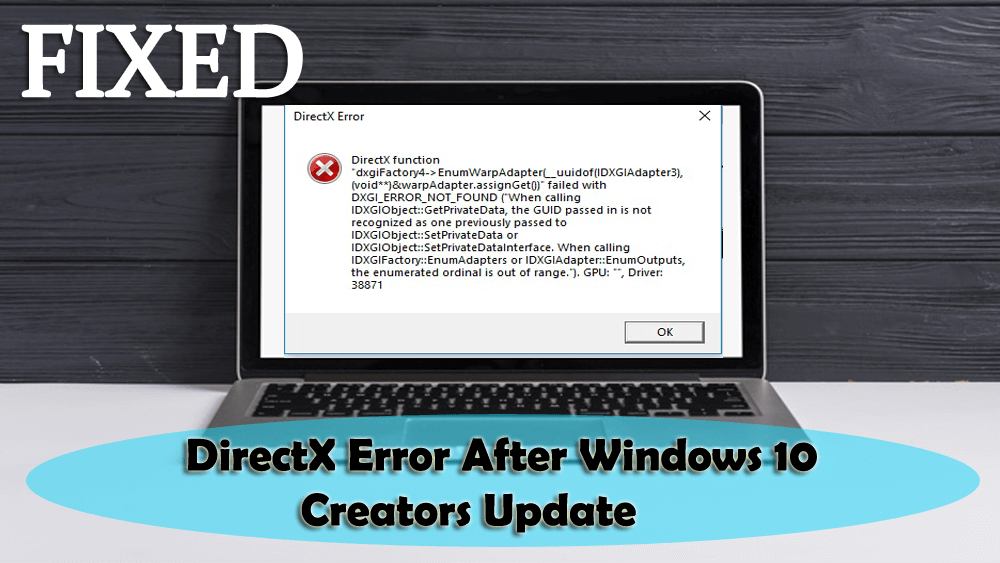
DirectX Errors after windows 10 creators update

Here comes another issue that occurs after Windows 10 creators update and that is DirectX Error after Windows 10 Creators Update. In this article, I will be guiding you with the easy and effective solutions that will help you to overcome the DirectX error.

In Windows 10 systems DirectX is responsible to run the multimedia applications with ease in order to provide a great experience to the users. It is one of the necessary parts of Windows 10 and all multimedia applications such as audio, video, etc. rely on it to execute without any error.

Read more

How To Fix Microsoft Edge Browser Unresponsive After Windows 10 Creators Update?

Microsoft Edge Browser Unresponsive after Windows 10 creators update

Summary: Microsoft Edge Browser Unresponsive after Windows 10 creators update is another problem faced by Windows 10 users. Looking for a solution? Then this article will provide you the effective solutions that will help you to overcome the Microsoft edge slow and unresponsive issue easily.

Windows 10 Creators update is now available for all Windows 10 systems, the main aim of this update is to make Windows 10 more attractive and easy to use. It contains lots of fixes, patches, and features to make Windows 10 system more reliable.

Read more

How to Fix Black Screen During Installation of Creators Update?

Black Screen during Installation of Creators Update

Windows 10 Creators update is launched by Microsoft to deal with several bugs and other issues of the operating system. But downloading and installing Creators update is such a difficult task as users may face several types of the issue while going through the installation process such as Black Screen During Installation of Creators Update.

In this blog I am going to discuss the Creator Update Black Screen stuck issue that appears during the installation of Windows 10 Creators Update (via Microsoft’s official Upgrade Assistant utility).

Read more