Safe Mode is the way through which you can detect and sometimes troubleshoot your Windows 10 System issues. This is one of the popular boot option, that allows the users to boot their PC or Laptop with limited services and apps.

Hardeep has always been a Windows lover ever since she got her hands on her first Windows XP PC. She has always been enthusiastic about technological stuff, especially Artificial Intelligence (AI) computing. Before joining PC Error Fix, she worked as a freelancer and worked on numerous technical projects.

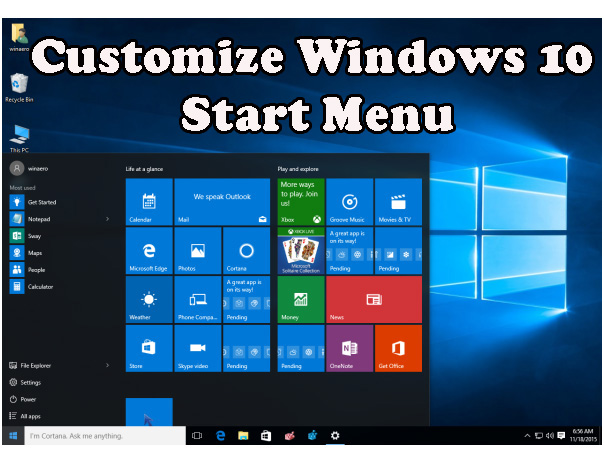 Now you can easily customize your Windows 10’s Start Menu, simply go with this tutorial and do what you want to do with the Windows 10 Start menu. By following this tutorial you can easily enable more tiles in start menu, Customize the far-left panel, Full-screen Start or not, Change the color, Pin and unpin tiles, Move and resize tiles and more.